
01
Create your coach account
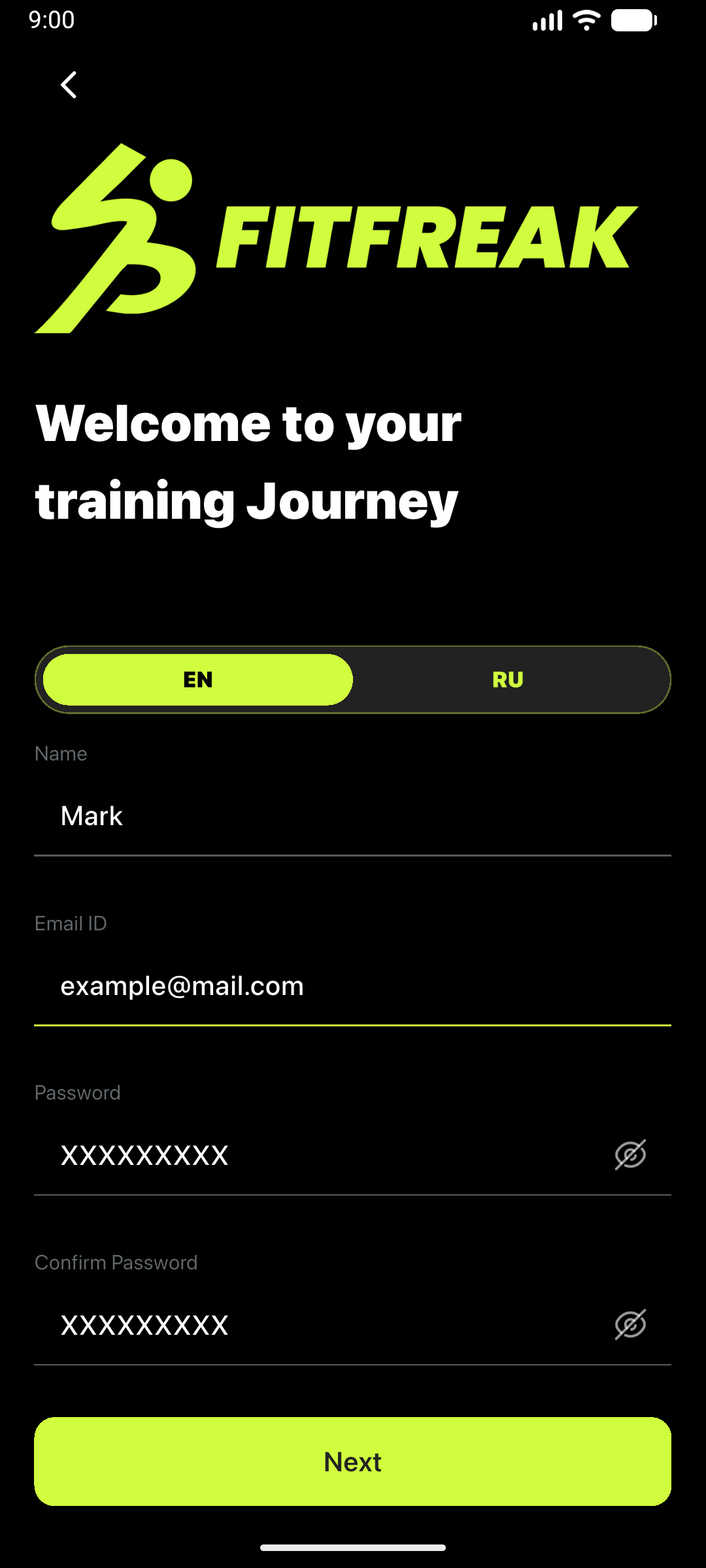
Select the Trainer role, enter your contact details, and complete your professional profile. Coach registration is free.
Follow the essential steps for coaches or clients. For detailed instructions on every feature, download the complete PDF guide.
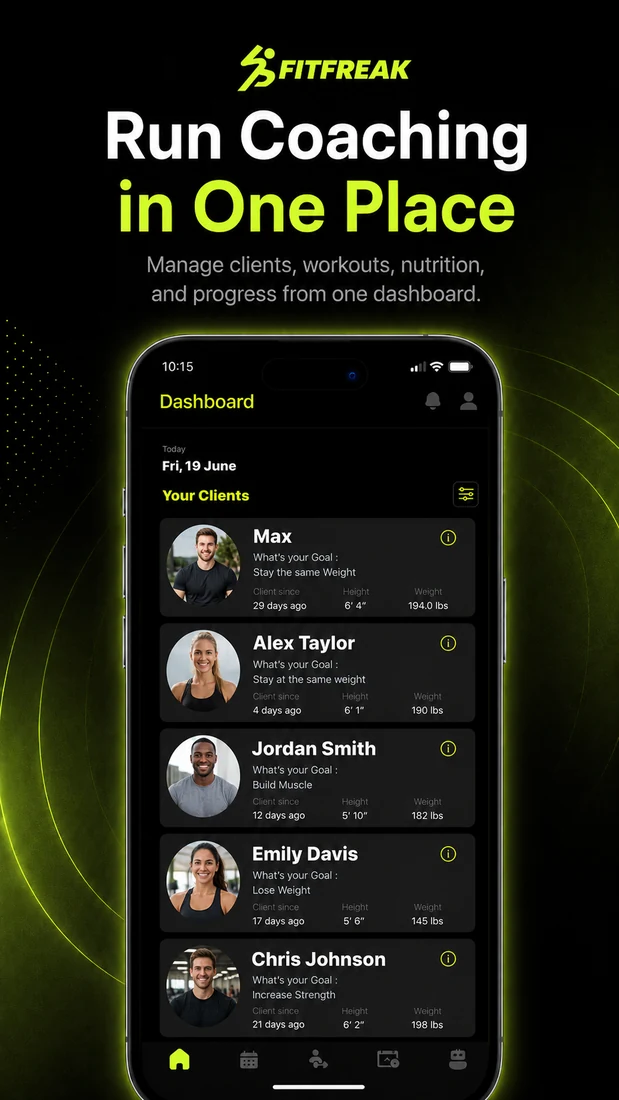
Create your free coach account, build your own exercise library, and organize client programming, nutrition targets, and availability from one app.
Select the Trainer role, enter your contact details, and complete your professional profile. Coach registration is free.
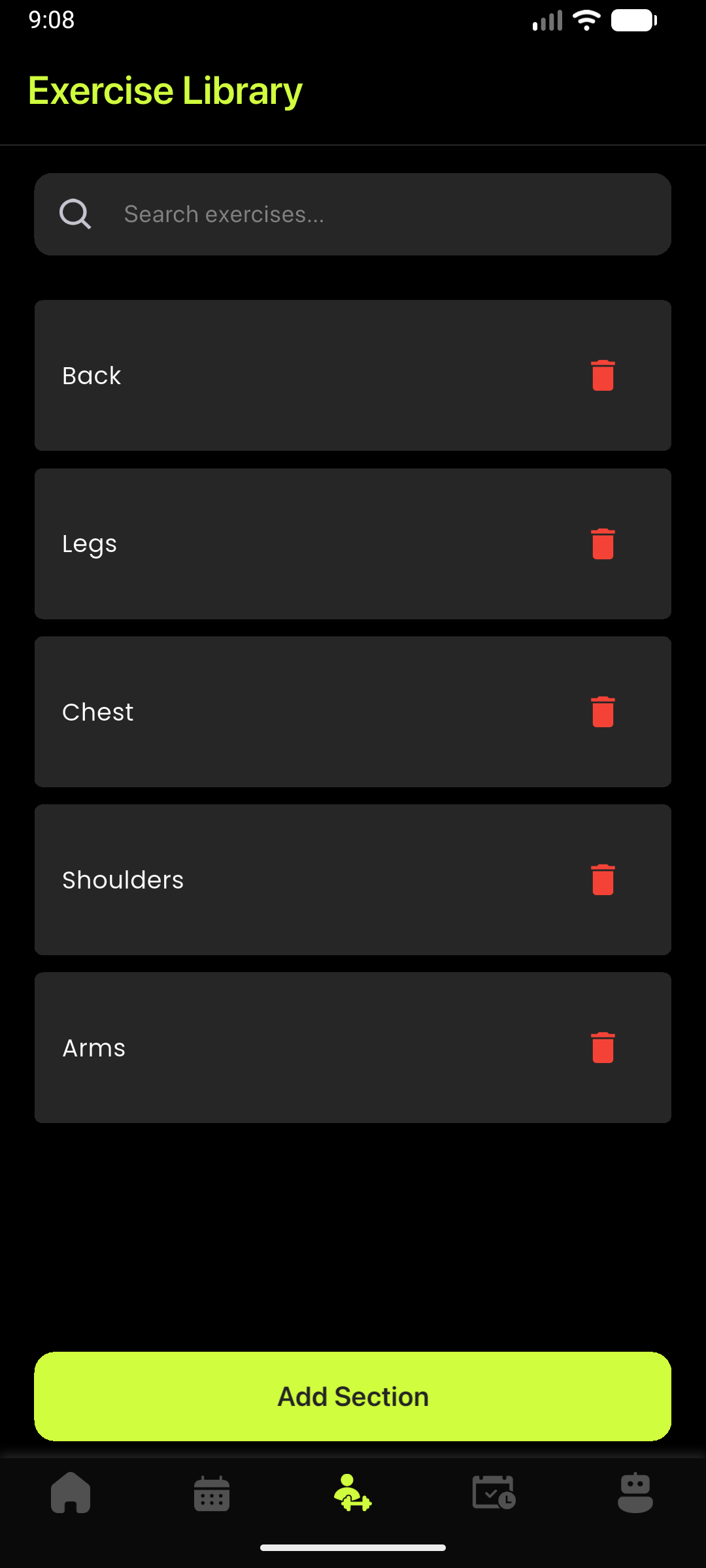
Create sections for training types or muscle groups. Add your own exercises, explanations, images, and videos so clients receive your coaching content.
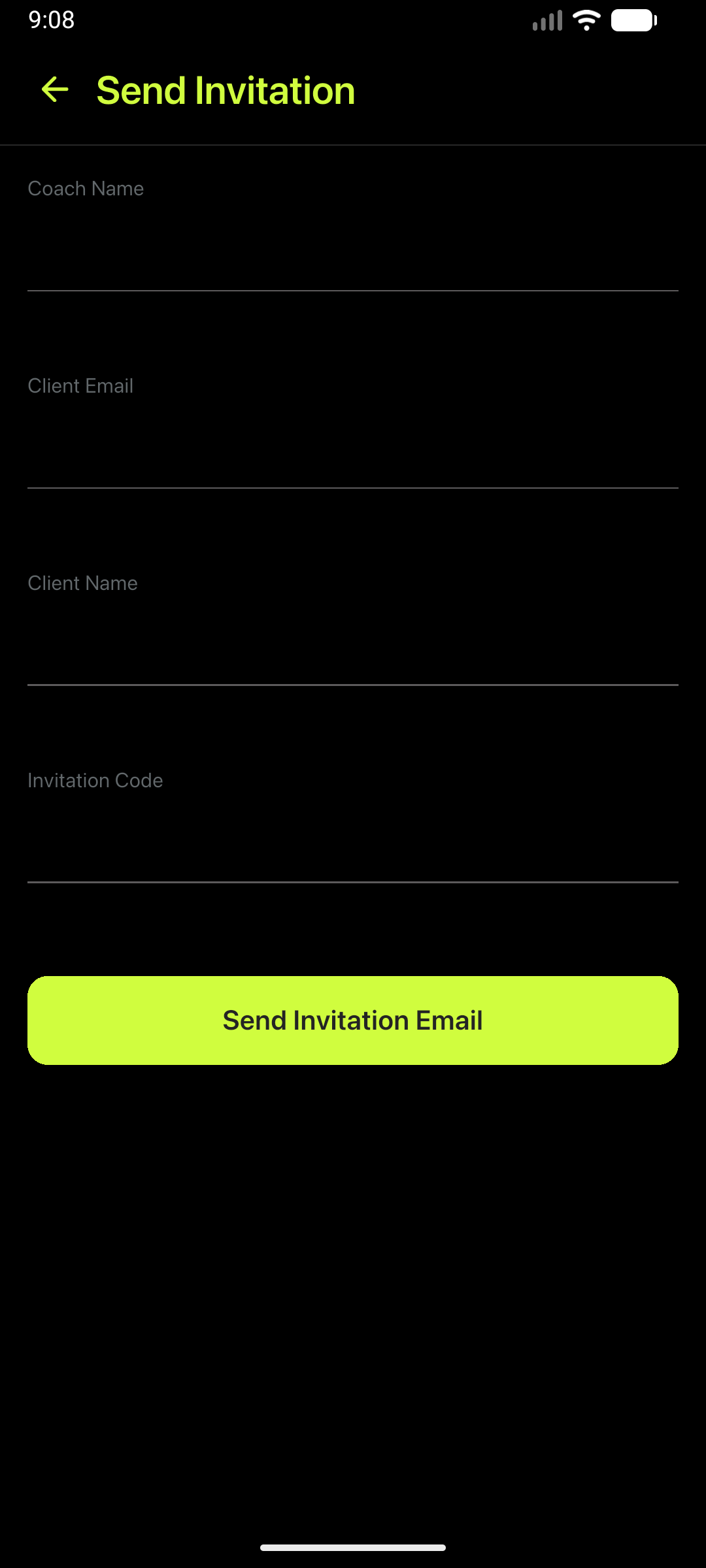
Open Invitations, enter the client's name and email, and send the invitation. The client receives the information needed to connect with your coach profile.
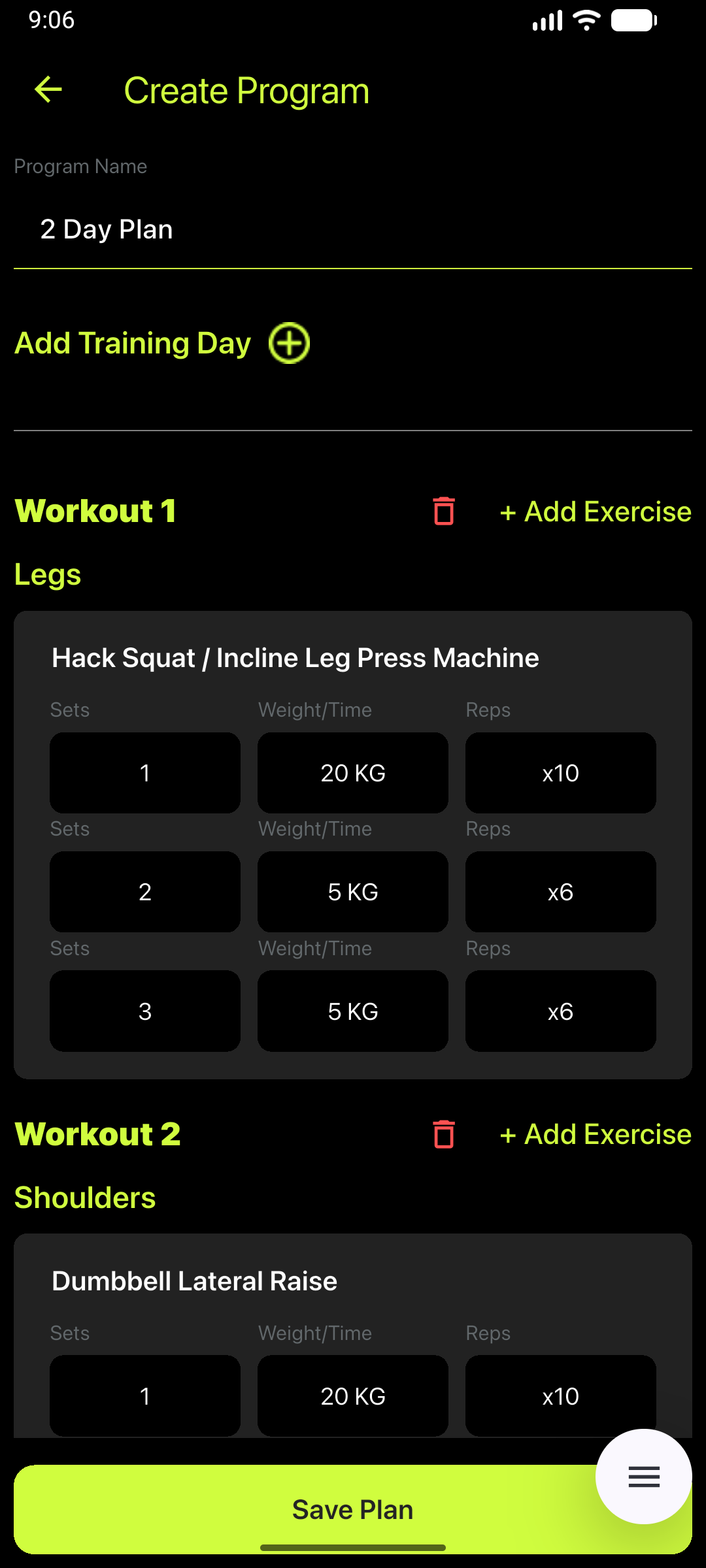
Build training days from exercises in your library. Set the weight, time, sets, or repetitions, save the program, and assign it to the appropriate client.
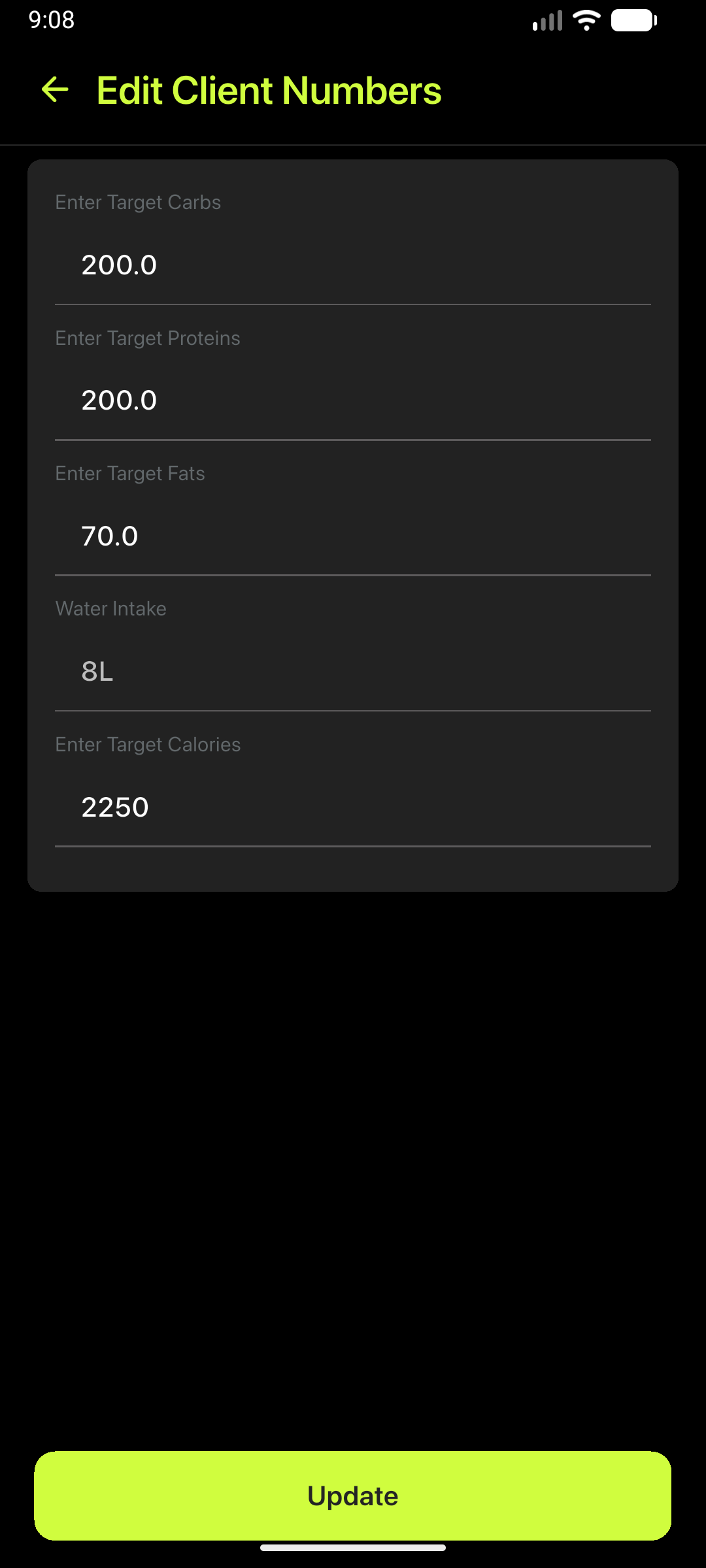
Open the client record and set daily goals for calories, carbohydrates, protein, fat, and water.
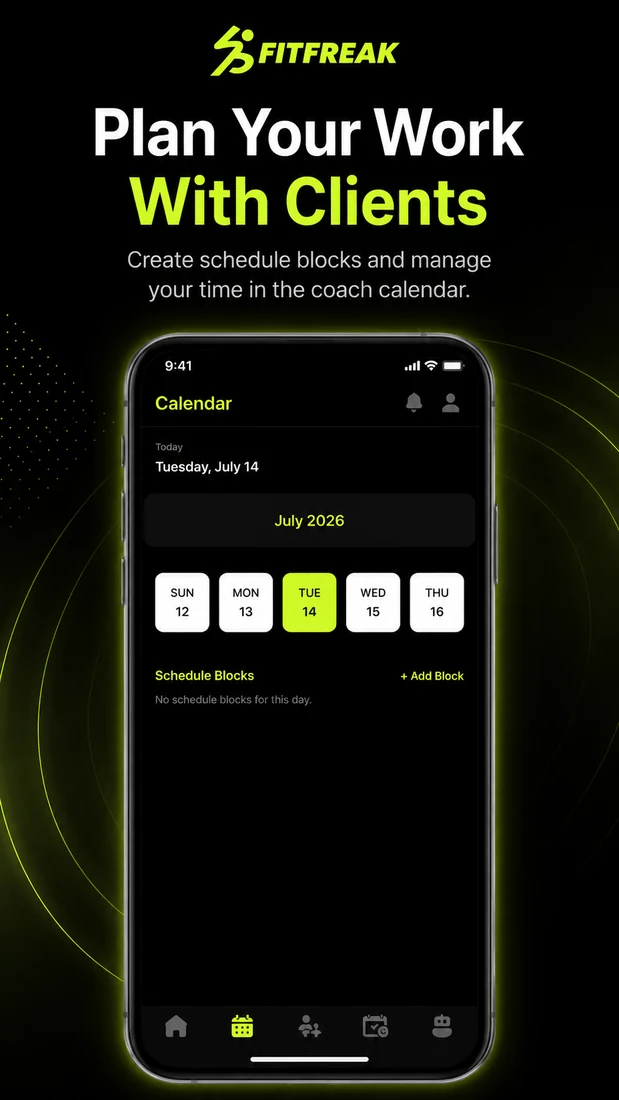
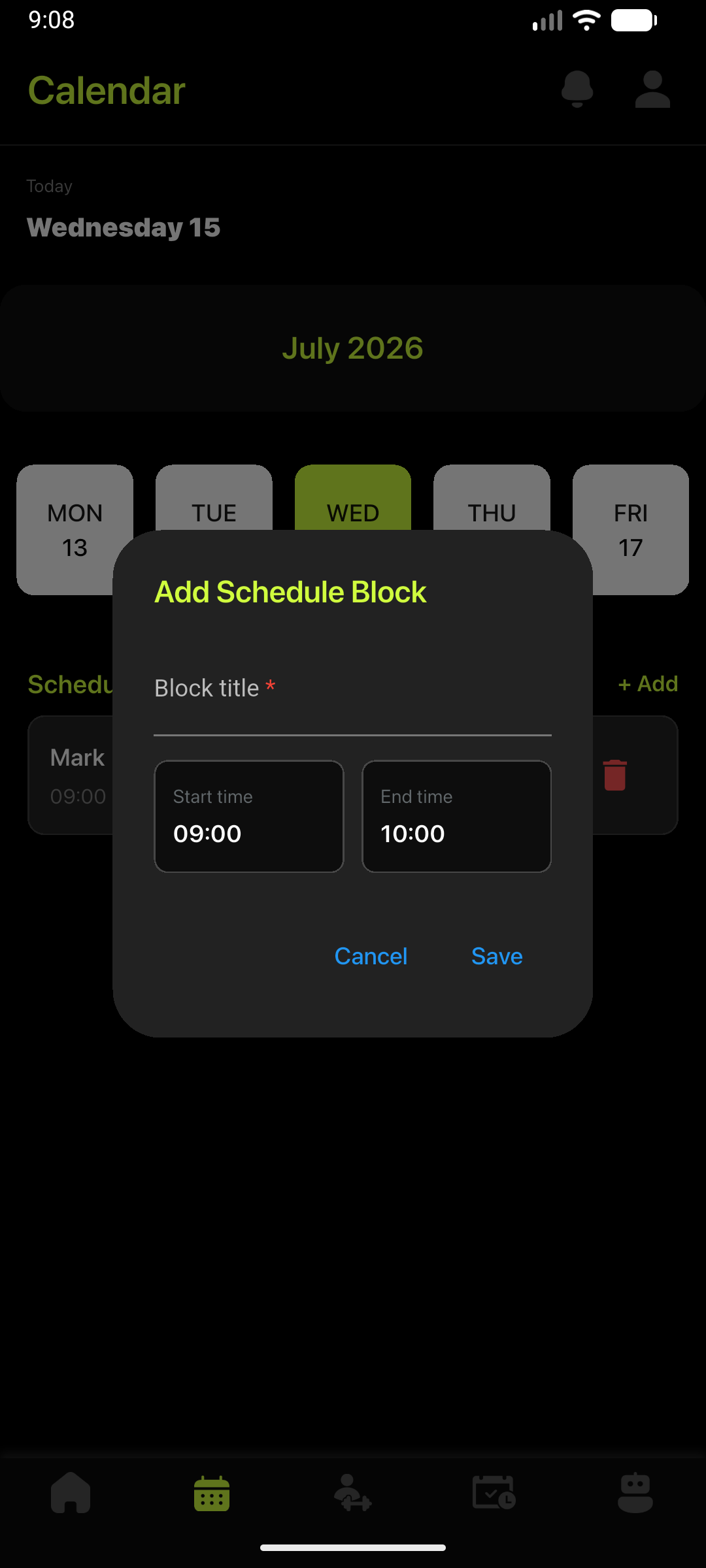
Add availability or schedule blocks by date and time so your working hours stay organized alongside client programs and data.
The full guide covers account setup, profile details, exercise libraries, client invitations, workout programs, nutrition targets, client parameters, calendar management, and settings.
Connect using your coach's invitation code, activate access through Stripe, and use the app to follow workouts, nutrition targets, and progress check-ins.
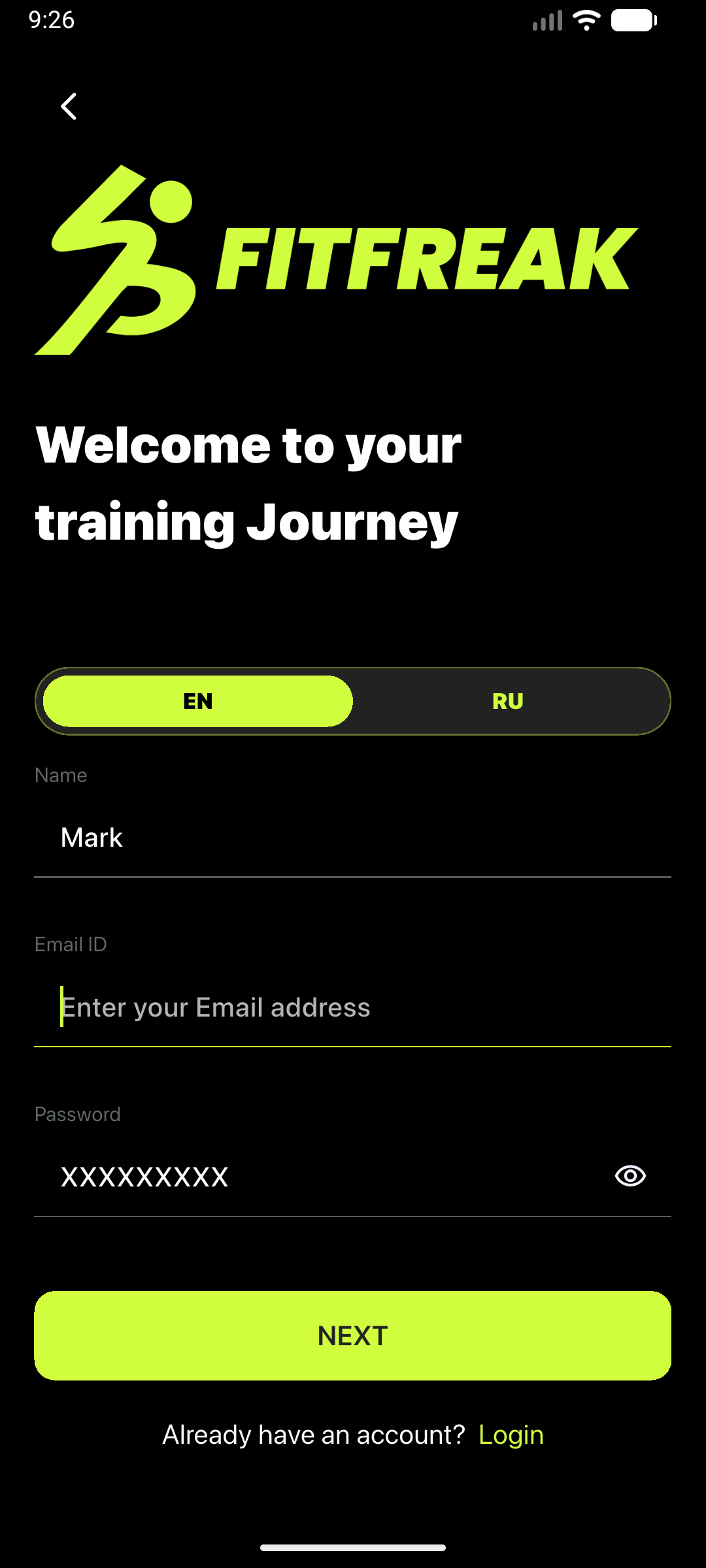
During registration, select Regular user, verify your email, and complete the basic profile information requested by the app.
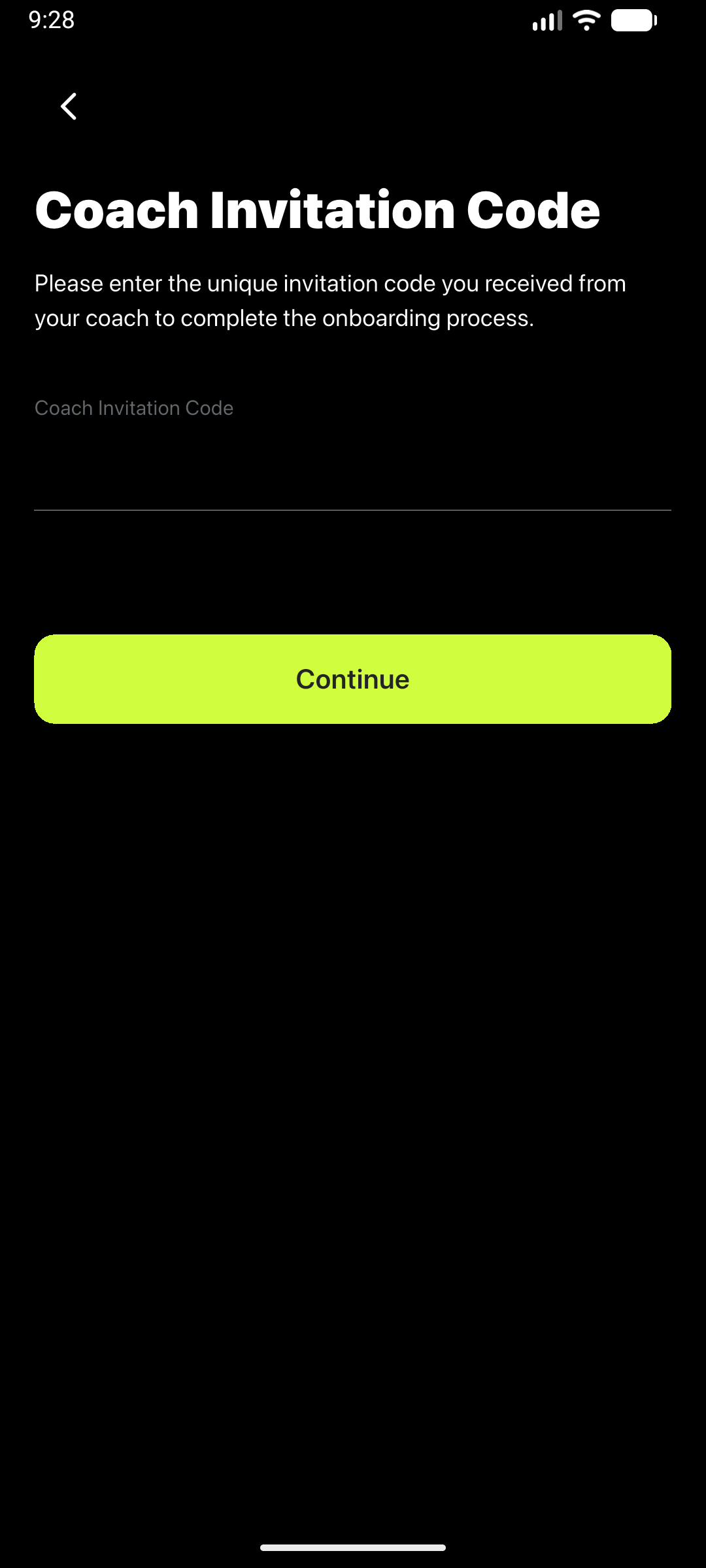
Enter the unique code supplied by your coach. This connects your account with the coach who will assign workouts and nutrition targets.
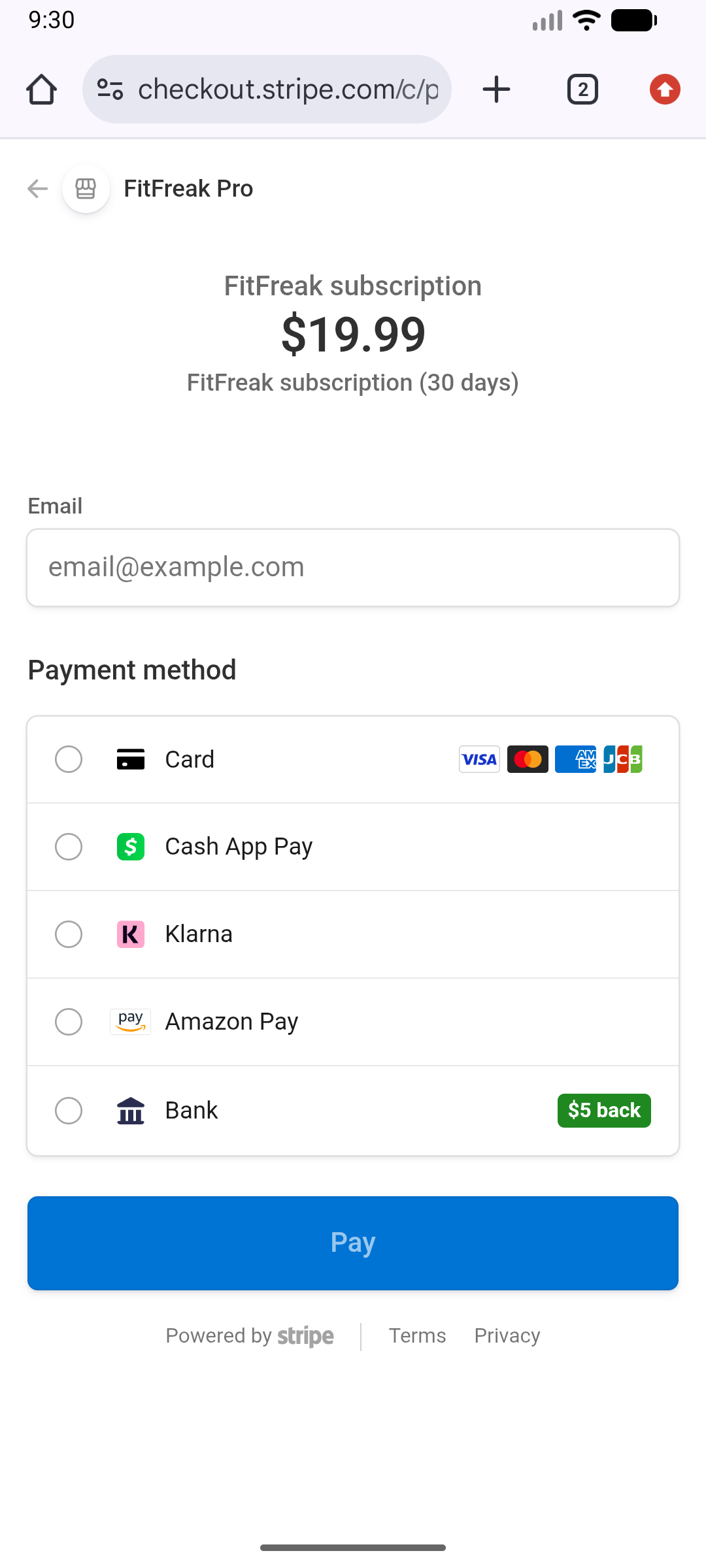
Review the current subscription information in the app, continue to Stripe Checkout, and complete payment using an available payment method.
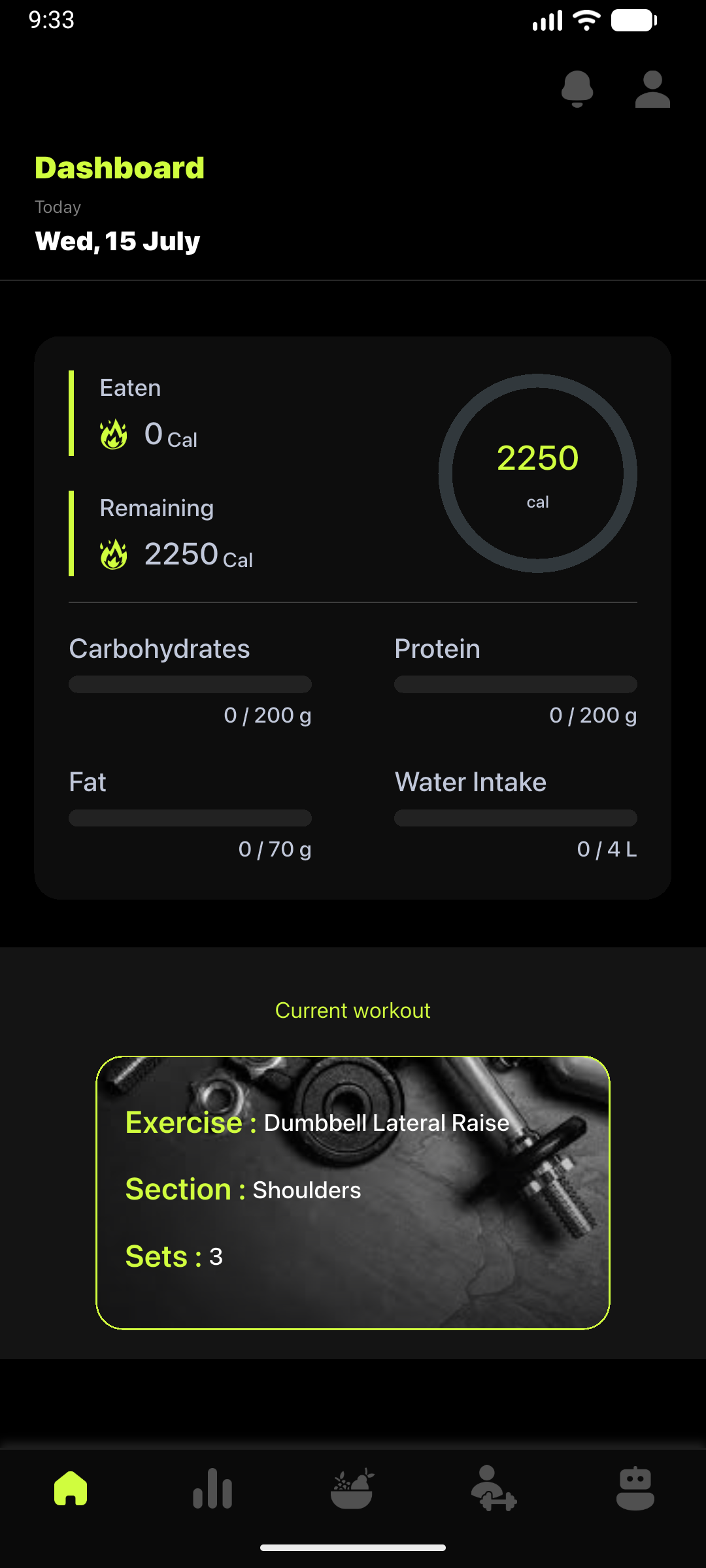
After activation, the Dashboard displays your current workout and the nutrition goals set by your coach.
Open an exercise to review the assigned sets, repetitions, weight, or time, and watch the demonstration video before training.
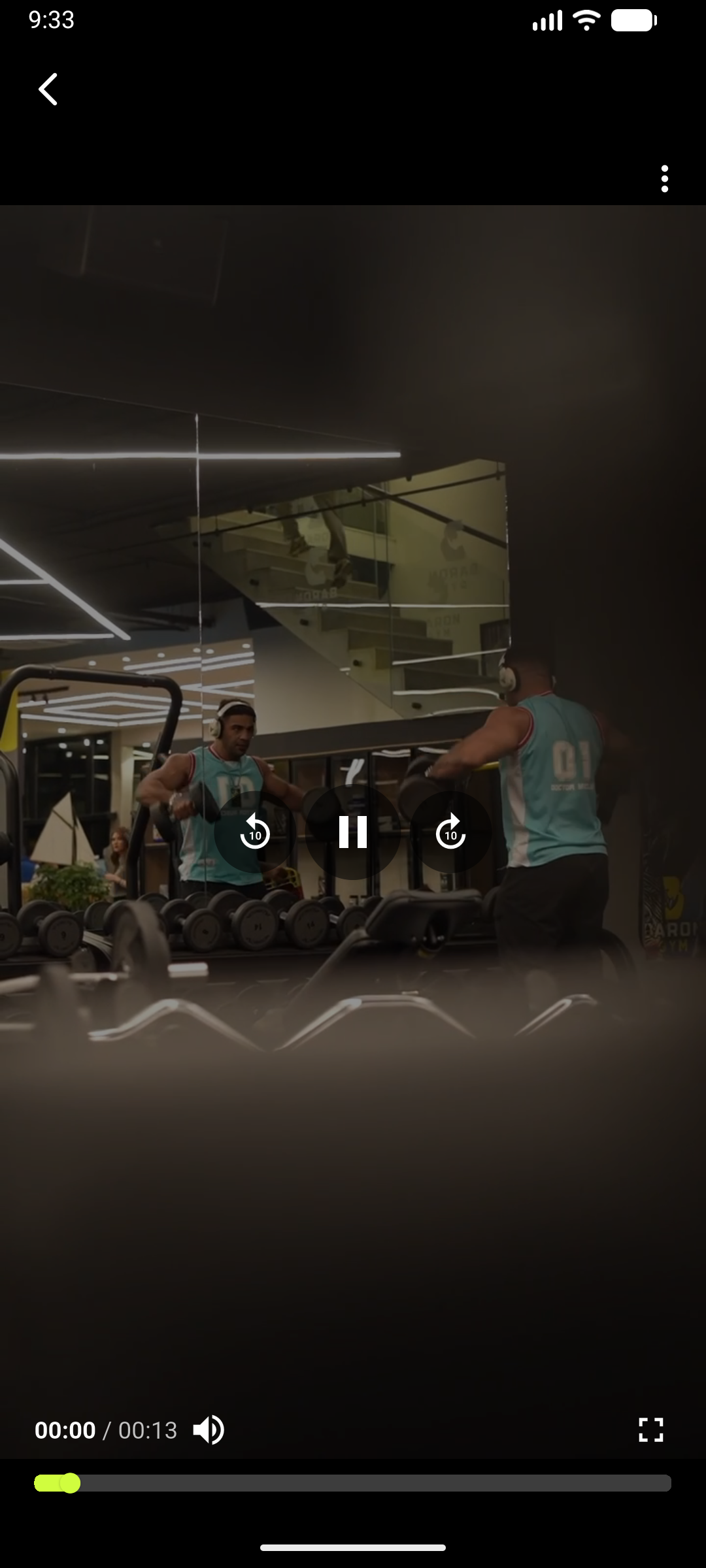
Review your daily targets, add meals and water, and submit progress information that your coach can use to adjust your plan.
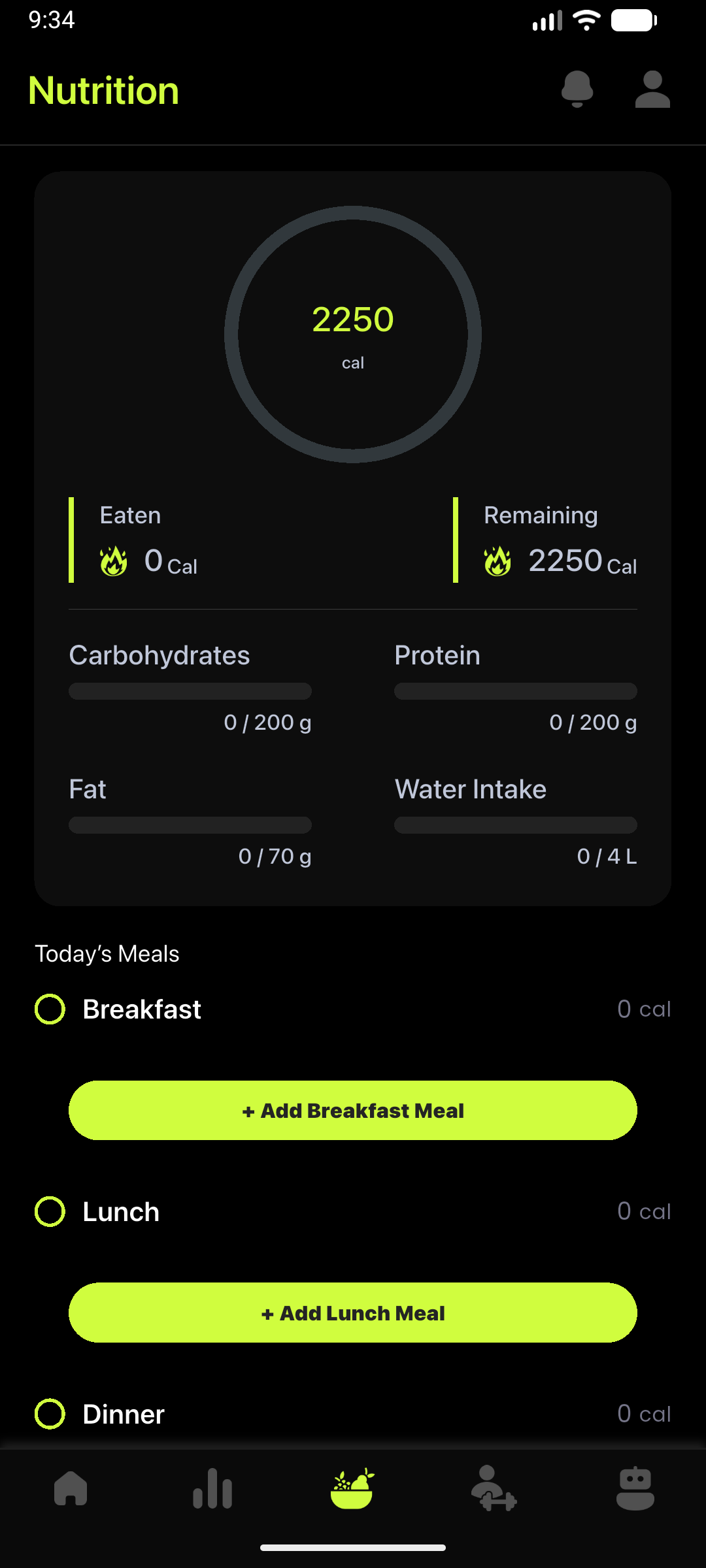
The full guide covers registration, Stripe activation, assigned workouts, exercise videos, progress summaries, check-in photos, nutrition, foods, recipes, your coach's profile, and account settings.
Coaches can register for free. Clients join FitFreak Pro after receiving an invitation from their coach.